
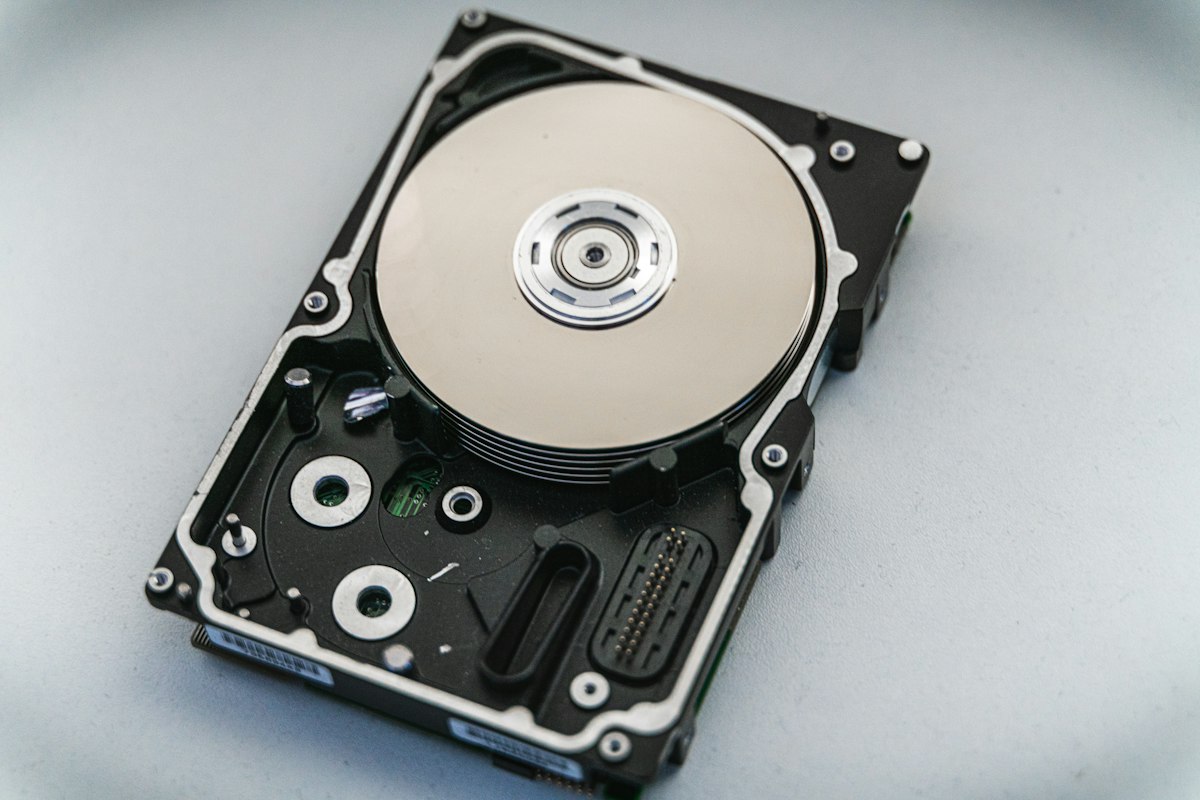
Your new 1 TB drive shows 931 GB. Your 100 Mbps line downloads at "only" 12 MB/s. Neither is a defect: two different counting conventions are colliding. This guide untangles them permanently.
Decimal vs binary: the root of it
Drive makers count in powers of ten (SI): 1 GB = 1,000,000,000 bytes, exactly as the label claims. Operating systems count in powers of two: memory is addressed in binary, so Windows reports 1,073,741,824 bytes as "1 GB" (strictly, 1 GiB). The discrepancy is 7.4% per level, compounding: a "1 TB" drive = 1,000,000,000,000 bytes ÷ 1,073,741,824 = 931 GiB shown as "931 GB". Nobody is stealing storage; the OS just uses a different yardstick.
GB vs Gb: the capital letter that matters
- GB, gigabyte: 8 billion bits. Storage: drives, files, RAM.
- Gb, gigabit: one billion bits. Speeds: internet lines, network cards.
- 8 bits = 1 byte, so 1 Gbps = 125 MB/s theoretical maximum. Real-world overhead (encoding, protocol) takes 10-30% off.
| Connection | Line speed | Real download (MB/s) |
|---|---|---|
| Fast DSL / 4G | 100 Mbps | 11-12 |
| Gigabit fiber | 1 Gbps | 110-118 |
| Wi-Fi 6 (real-world) | varies | 40-90 |
| USB 3.0 (disk) | 5 Gbps | ~450 max, disk-limited |
Estimate download time: minutes = (file GB × 8,000) ÷ line Mbps × 1.1. A 50 GB game on 100 Mbps: 50 × 8,000 ÷ 100 × 1.1 ≈ 74 minutes.
What things actually weigh
| Content | Typical size |
|---|---|
| Phone photo (12 MP) | 3-5 MB |
| MP3 song | 4-10 MB |
| Netflix HD / 4K, per hour | 3 GB / 7-16 GB |
| AAA video game (2026) | 80-150 GB |
| Windows 11 + updates | 40-70 GB installed |
Use the GB → TB converter to size drives against your library.
RAM's special case
RAM sticks are genuinely binary: "16 GB" RAM is 16 × 2³⁰ bytes, because memory addressing is binary by construction. So your 16 GB RAM is "more" than a 16 GB file would suggest, while your 1 TB disk is less than 1 TiB. Both are "correct" in their own system. The IEC prefixes exist to end the argument: GB (decimal) vs GiB (binary). Windows never adopted them; macOS switched to GiB in 2009; drive labels use GB; and the confusion has been thriving ever since.
Quick anchors
- 1 TB = 1,000 GB (drive labels) = 931 "GiB" (as Windows shows)
- A 25 GB Blu-ray ≈ 4.7 h of HD video
- 1,000 Mbps = 125 MB/s max, ~115 real
- Phone "unlimited" throttles at 20-50 GB typically